Terminal UI
The full agent in your terminal.
Commands, skills, status, approvals, and live tool work without leaving the keyboard.
See how it worksLocal-first multi-agent runtime
Fabric connects conversations, agents, memory, automations, and runtime controls across desktop, terminal, web, messaging, and IDE workflows. Profiles keep each agent's configuration and memory isolated.
One core / every surface
Every surface can use the selected Fabric profile, so model routes, memory, skills, and session history stay aligned without turning profiles into team or tenant boundaries.
A native workspace for chat, projects, previews, providers, memory, skills, and operations.
Open guideCLI and TUI workflows with real tools, streaming progress, approvals, and scriptable output.
Open guideLong-running conversations across Telegram, Discord, Slack, Signal, email, and more.
Open guideA coordinated Workspace for agent operations and Admin console for runtime control.
Open guideACP, MCP, and API surfaces that bring the same agent into editors and applications.
Open guideRun the same agent always-on: install locally, self-host on a small VPS, or follow the managed and shared-compute designs.
Open guideChoose your model route
The real interfaces
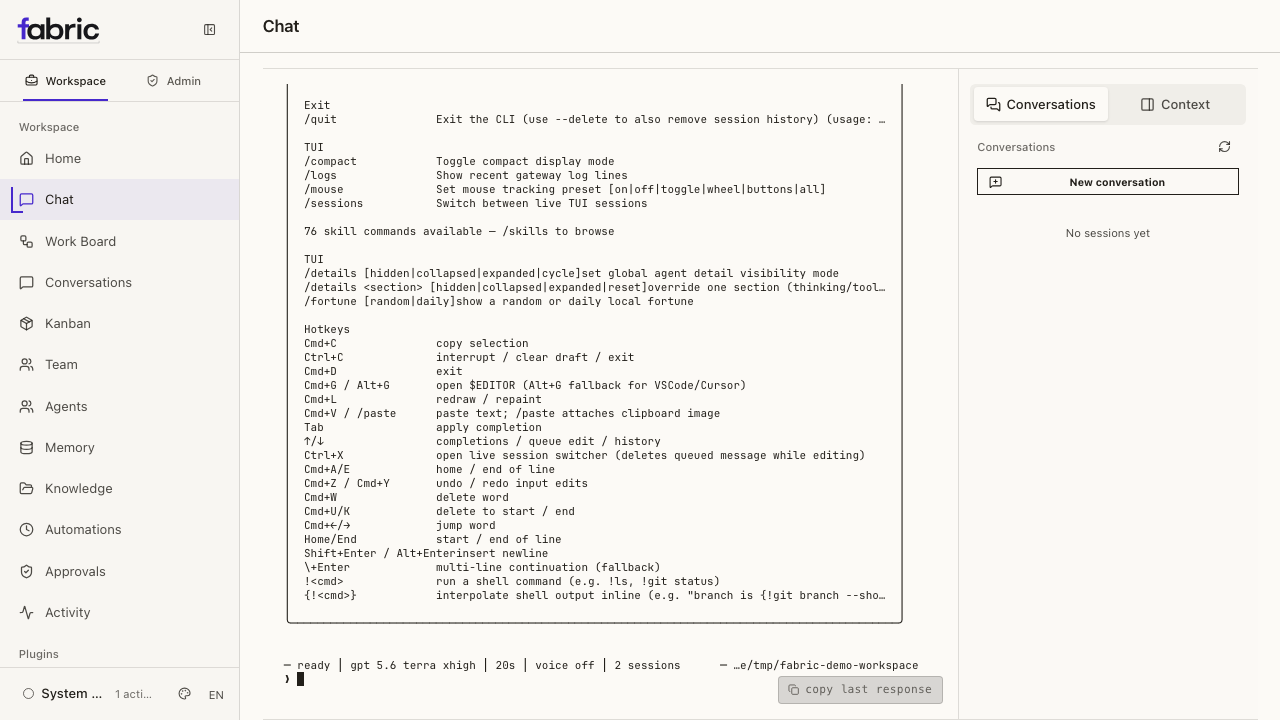
These are live Fabric surfaces running against the same local profile—not concept art or staged mockups. The web Workspace/Admin foundation is available now; hosted tenancy, enforced role access, and durable enterprise ledgers remain staged backend work. See the delivery map.
Terminal UI
Commands, skills, status, approvals, and live tool work without leaving the keyboard.
See how it works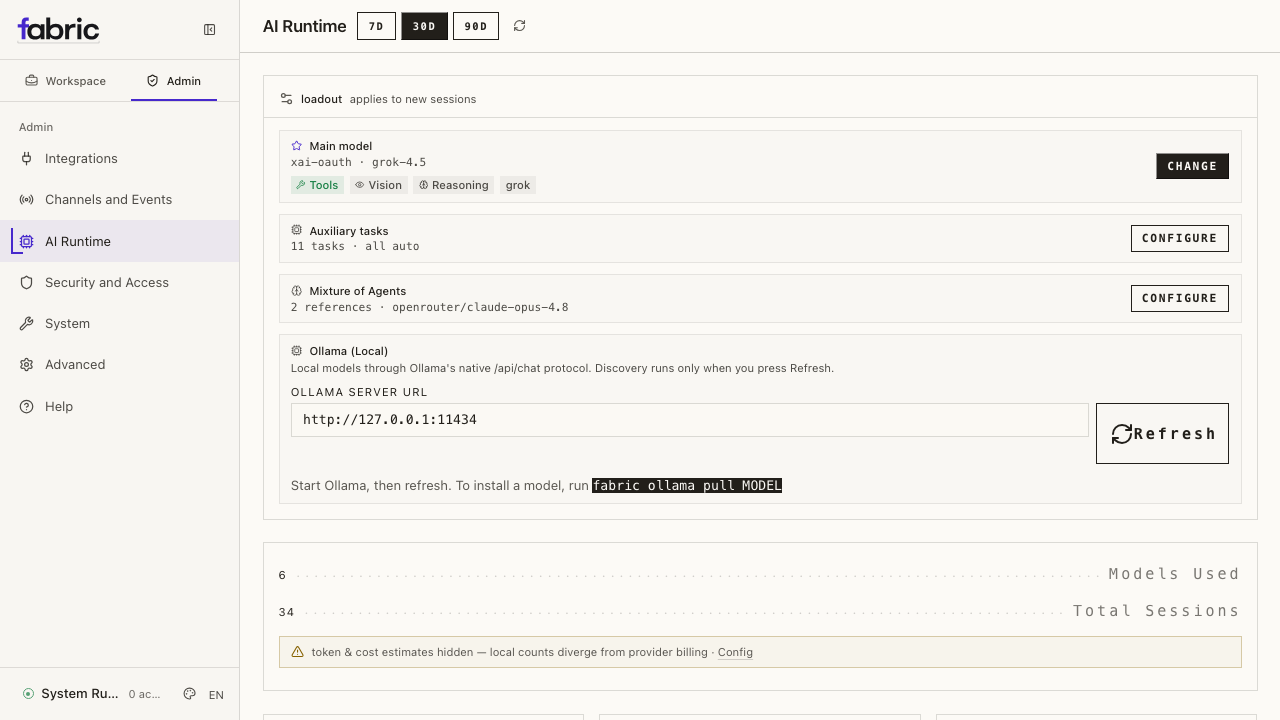
Web dashboard
Move between Workspace operations and Admin controls without leaving the local runtime.
See how it worksCompound the work
Fabric is built to improve the next session, not just finish the current prompt. Durable memory keeps useful context; skills turn repeatable methods into reusable capability.
Keep user context, project facts, and searchable session history within the selected profile.
Understand memoryDiscover and load focused instructions only when relevant, preserving a stable conversation core.
Explore skillsInstall from the public repository
Install on macOS, Linux, or WSL2, choose a model route, and verify the environment before running real work.
curl -fsSL https://raw.githubusercontent.com/ObliviousOdin/fabric/main/scripts/install.sh | bash
fabric model
fabric status --deep